


Sold Out
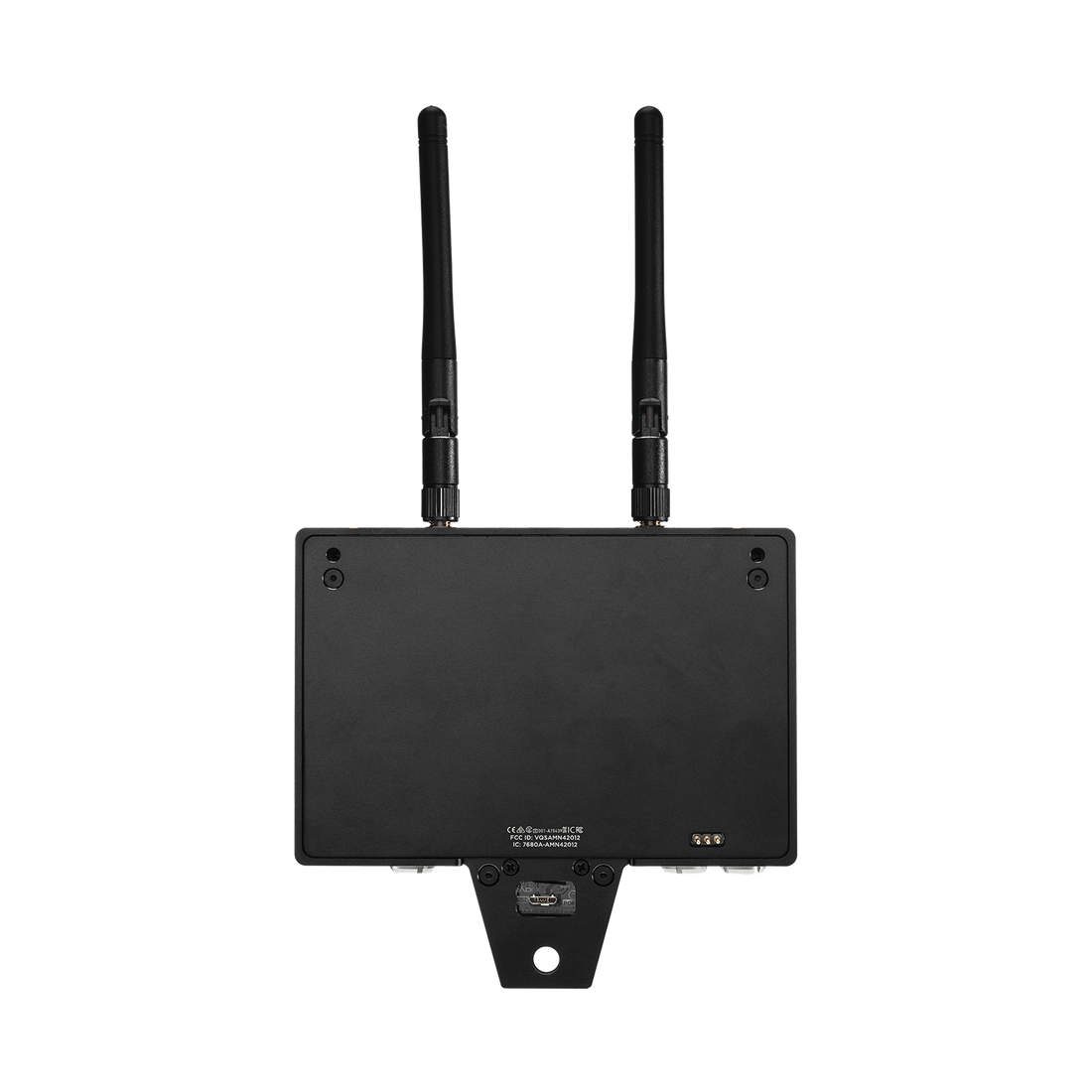
Teradek Bolt 4K Monitor Module 750 TX for SmallHD Smart 7 Monitors
- Zero-Delay 4K Wireless Video
- Supports 10-Bit 4:2:2
- Range: 750 ft.
- Camera Control Compatible
- Outputs: HDMI 2.0
- Video: Up to 4Kp30
Couldn't load pickup availability
Sold Out
Not available for purchase on SmallHD.com – See Teradek.com for inventory
The Bolt 4K Monitor Module 750 TX is a zero-delay wireless video transmitter that supports video signals up to 4Kp30 via HDMI at a range of 750 ft. Designed for seamless integration with the SmallHD Smart 7 Monitor Series, it features 4K & HDR support with increased range, faster reconnection times, and easy setup with the Bolt App for iOS or Android. Unlock wireless camera control for select cameras with a SmallHD license (sold separately) and gain access to run/stop, frame rate, ISO, shutter angle, white balance, internal ND filter, playback clips, and more.
NOTE: Beta SmallHD monitor firmware 4.7.0 or later is required for wireless camera control functionality and is available at https://downloads.smallhd.com/.
Integrated Hardware Addition to SmallHD Smart 7 Touchscreen Monitors
TX Module easily attaches to the back of Cine 7 Smart Monitors, providing a simplified, lighter-weight rig.
Wireless Camera Control
Take control of your camera from up to 750 ft away by pairing your Bolt 4K Monitor Module 750 TX with a Monitor Module RX using Smart 7 Monitors from SmallHD.
Compatible Smart 7 Monitors include Cine 7, Indie 7, and 702 Touch.
Wireless Camera Control for ARRI Mini, Mini LF, and Amira is now available. Due to the ethernet requirement for ARRI Camera Control, the TX Module must be used with Cine 7 that has the ARRI Camera Control license installed. The RX Module can be attached to any other Smart 7 monitor. Please make sure Smart 7 Monitor firmware is up to date.
To set up wireless camera control for ARRI, the following hardware and software are required:
- Cine 7 monitor + Bolt 4K Monitor Module TX connected to the camera with ARRI license installed (If you are using two Cine 7 monitors, the license can be installed on either one.)
- Any Smart 7 monitor + Bolt 4K Monitor Module RX on the remote monitor for wireless control
To set up wireless camera control for KOMODO or DSMC2 (coming later this summer), the following hardware and software are required:
- Any Smart 7 Monitor + Bolt 4K Monitor Module TX connected to the camera with any necessary camera control cables
- Any Smart 7 Monitor + Bolt 4K Monitor Module RX on the remote monitor
- Camera control for KOMODO or DSMC2 installed on either one of the Smart 7 Monitors
Zero-Delay 4K Wireless Video
Transmit video up to 4Kp30 at a line-of-sight distance of up to 750 ft (228 m) with no image delay (>0.001 sec). (Receiver sold separately)
Transmitter:
Input: 1× HDMI 2.0 (up to 4Kp30)
True HDR
Supports 10-bit 4:2:2
Improved Wireless Performance
Reliable signal transmission and reception over 13× 40 MHz frequencies, with upgraded hardware and less image break-up than previous Bolt generations. Faster reconnection times, automatic signal quality switching, and a more robust frequency hopping algorithm. An additional 5 GHz radio frequency link is available for high-traffic locations with excessive interference from other wireless devices.
Send Signal to Unlimited Receivers
Supports Broadcast Mode, meaning unlimited receivers can be connected.
Universal Cross-Compatibility between all Bolt 4K Devices
Send and receive signals between any Bolt 4K series of devices for expanding workflow requirements.
Bolt App for Android and Apple iOS
Remotely pair any TX/RX devices, manually designate specific 5 GHz channels, and monitor interference with the 5 GHz Spectrum Analyzer and Wireless Health analysis tools.


- Choosing a selection results in a full page refresh.
- Opens in a new window.